 Posecor
01
Select
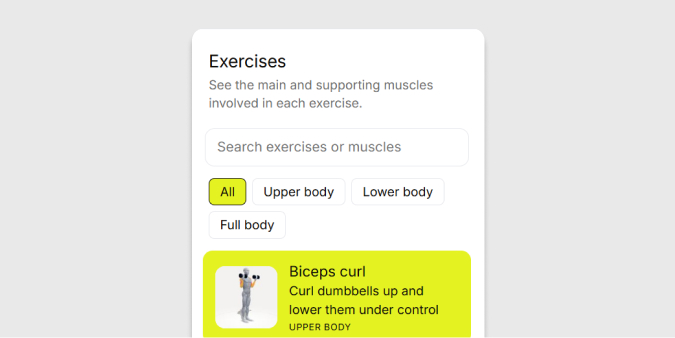
Pick the move you are about to do. Filter by upper body, lower body or full body.
How it works
Posecor shows which muscles an exercise works and where a rep tends to go wrong, so you can check your form at home without a trainer beside you.
Explore exercises See a push-up
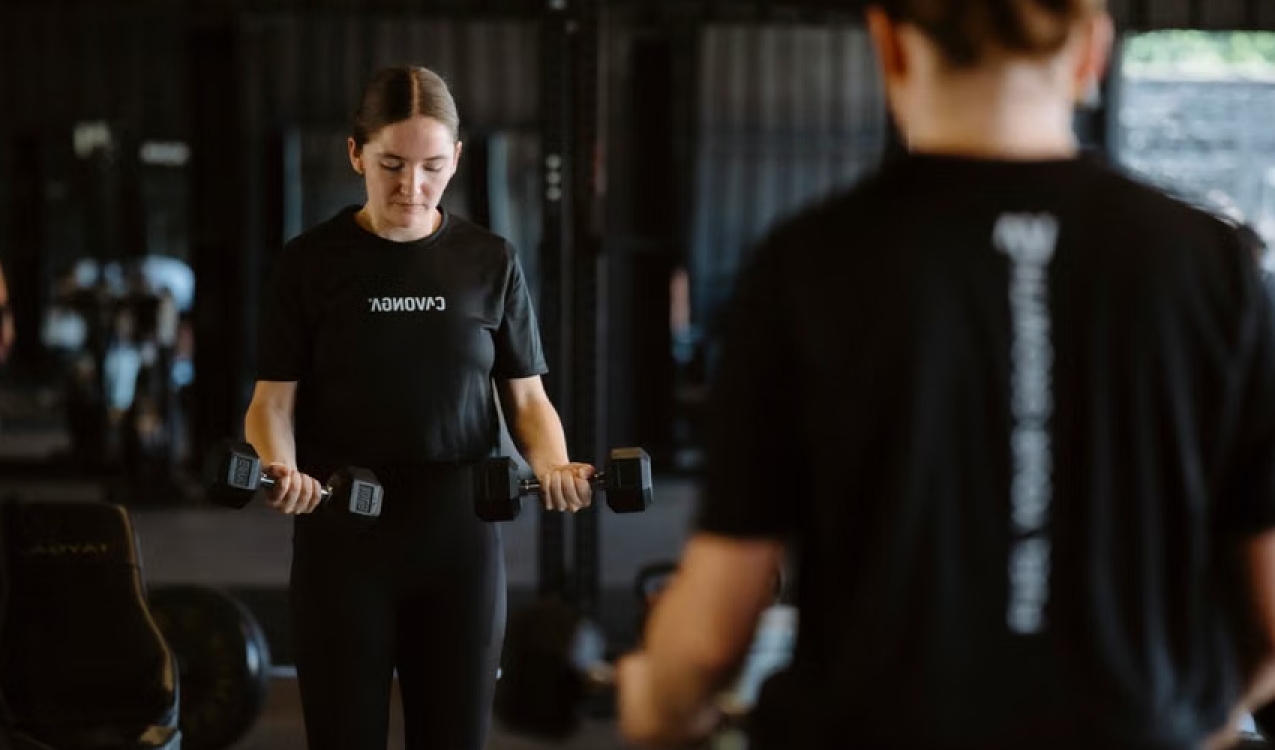
Made for home training
At home there is nobody watching the rep. Posecor shows what the movement should look like and which muscles carry it.
Every exercise here needs nothing more than a pair of dumbbells or your own bodyweight.
Study a move for a minute before your set, on a phone or laptop. Then train with one clear cue in mind.
Three steps
01
Pick the move you are about to do. Filter by upper body, lower body or full body.
02
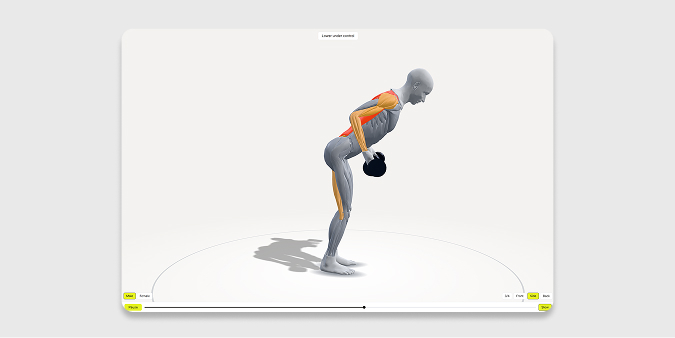
Watch the full rep, then slow it down or drag the slider to pause on one position. Rotate to the front, side or back to see what each angle shows.
03
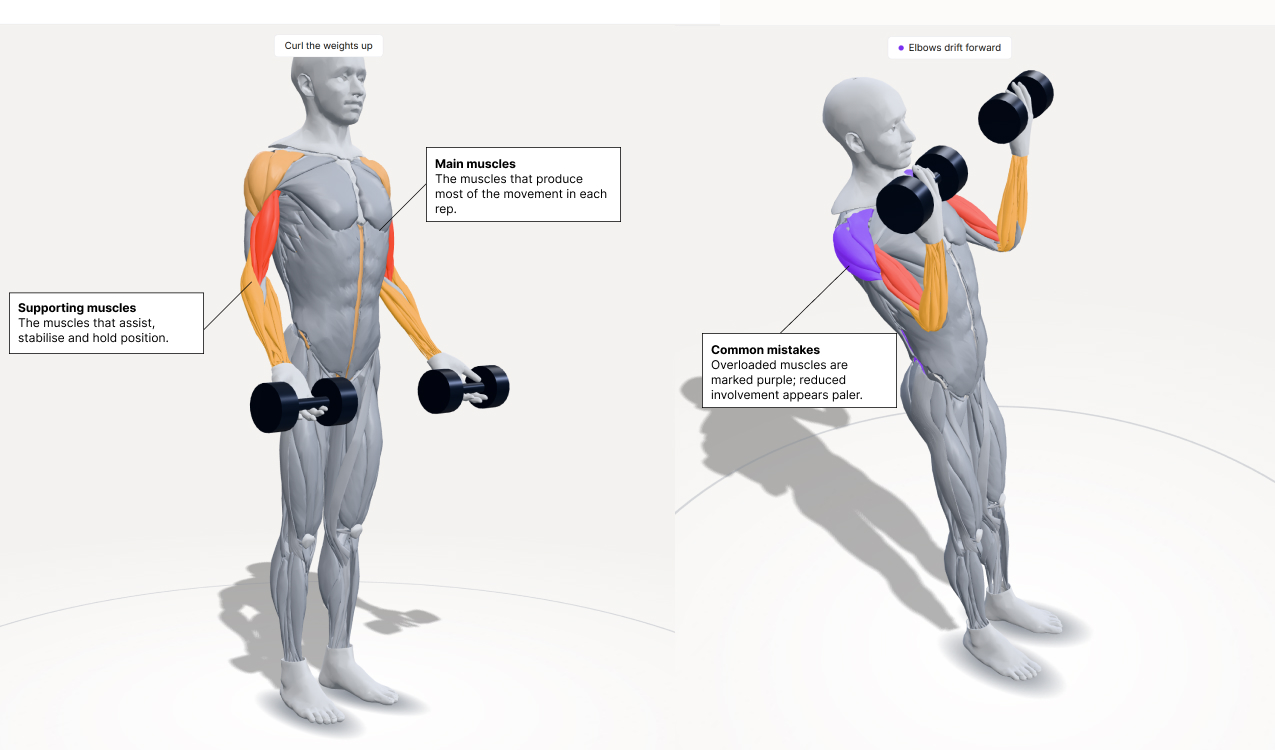
Open a common mistake and compare it with the reference form. The muscles taking too much load turn purple.
Exercises
26
Common mistakes shown
12
Camera angles
4
Reading the model
The highlight builds through the rep and peaks where the effort is highest.
The muscles that produce most of the movement in each rep.
The muscles that assist, stabilise and hold position.
Compare a mistake with the reference form. Overloaded muscles are marked purple; reduced involvement appears paler.
In practice
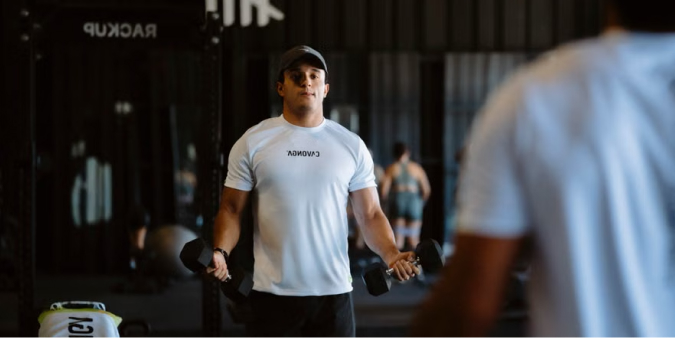
Pick the two or three moves in today’s session and look each one up.
Check the muscle list for the move you just did. Compare it with where you felt the work.
Open the common mistakes and look for the one that matches. Each has a single cue to correct it.
Come back to the same move with the cue in mind. Small corrections add up over weeks.
Questions
No. It is a reference for people who train alone. It cannot see you or correct your form, and a coach or physiotherapist can do things it cannot.
No. Posecor does not use your camera and does not measure your muscle activation. It shows a reference movement and the muscles typically involved.
A pair of dumbbells covers most exercises. Push-ups, squats, lunges and calf raises need nothing at all.
Body proportions, mobility and exercise variations all change a rep. The model shows one clear reference, not the only correct way to move.
Yes, for now. 10 exercises are open to every account and more are being added. The Upgrade button lets you tell us what you want next.
Stop. Posecor is an exercise reference for education and does not replace a doctor or physiotherapist. Seek advice for pain that does not settle.
The model shows a reference movement and the muscles typically involved. Muscle involvement varies with the exercise variation and how it is performed. Posecor does not measure your own muscle activation.
3D muscle model from Z-Anatomy, licensed CC BY-SA 4.0.